LEMP Stack: A Comprehensive Guide to Setting
The LEMP stack is a popular and powerful combination of...








If you’re building for users across Asia-Pacific, keeping inference close to your audience is the fastest way to cut response times and speed up iteration. This hands-on guide shows how overseas/APAC developers can complete a small fine-tune plus inference deployment within a 24–168 hour window using APAC low-latency GPU rental in Hong Kong or Singapore. We’ll prioritize instant deploy, privacy-friendly onboarding (no formal identity checks; crypto-friendly payments when supported by your provider), and pragmatic model choices that fit a single 24GB GPU.
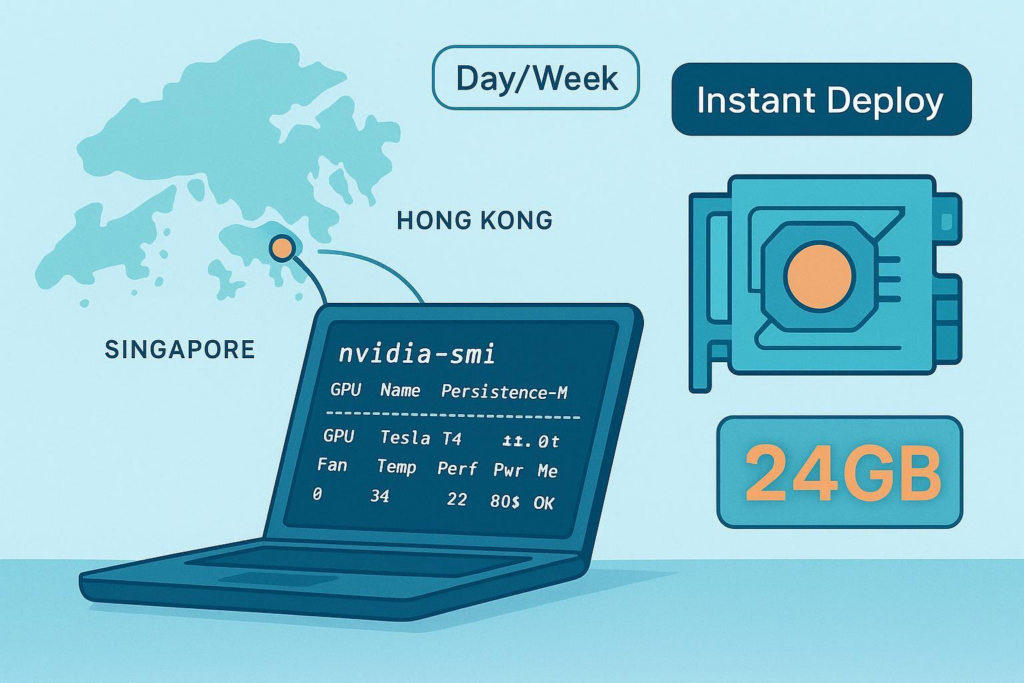
Hong Kong and Singapore are recognized interconnection hubs in the region, with dense data center ecosystems, cloud on-ramps, and subsea cable landings that enable low-latency routing across Asia-Pacific. Equinix describes these metros as central to APAC colocation and interconnectivity in their APAC colocation overview. Console Connect has also written about expanded peering opportunities and 100G ports in APAC exchanges, such as HKIX and DE-CIX Singapore, in their 2024 peering update.
How do you confirm the best region for your users today? Run a quick latency check before committing your Day or Week plan:
iperf3 -s; from your client, iperf3 -c <server_ip> or UDP mode iperf3 -c <server_ip> -u -b 1M -t 10. See the iPerf3 docs.Both options below offer 24GB of VRAM. Your choice should follow workload fit and budget:
Think of it this way: if your 24–168 hour plan includes a few hours of training plus serving, lean RTX 40; if it’s inference-first with modest tuning, P40 can stretch the budget.
Below is a provider-neutral workflow using Docker and the NVIDIA Container Toolkit. Estimated time to complete: 1–3 hours of setup, then 1–6 hours of fine-tune depending on data size.
sudo nvidia-ctk runtime configure && sudo systemctl restart docker.docker run --rm --gpus all nvidia/cuda:12.4.1-base-ubuntu22.04 nvidia-smi.docker run -it --rm --gpus all \
-p 8000:8000 \
-v $HOME/work:/work \
nvidia/cuda:12.4.1-base-ubuntu22.04 bash
# Inside the container
apt-get update && apt-get install -y python3-pip git
pip3 install --upgrade pip
pip3 install torch torchvision --index-url https://download.pytorch.org/whl/cu124
pip3 install transformers accelerate peft bitsandbytes vllm fastapi uvicorn
# train_lora.py (minimal sketch)
import torch
from transformers import AutoModelForCausalLM, AutoTokenizer
from peft import LoraConfig, get_peft_model
from transformers import BitsAndBytesConfig

model_name = "Qwen/Qwen2.5-7B-Instruct"  # example: check the model card
bnb_cfg = BitsAndBytesConfig(
    load_in_4bit=True,
    bnb_4bit_quant_type="nf4",
    bnb_4bit_compute_dtype=torch.bfloat16,
    bnb_4bit_use_double_quant=True,
)

model = AutoModelForCausalLM.from_pretrained(
    model_name,
    quantization_config=bnb_cfg,
    device_map="auto",
)

lora_cfg = LoraConfig(r=8, lora_alpha=16, lora_dropout=0.05, target_modules=["q_proj","v_proj"])  # adjust targets per model
model = get_peft_model(model, lora_cfg)

# TODO: tokenizer, dataset loader, training loop with gradient accumulation, frequent checkpoints to /work/checkpoints
Note: bitsandbytes runtime quantization typically isn’t saved with save_pretrained(); reload with the same config or consider AWQ/GPTQ for permanent quantized artifacts. See HF docs.
# still inside the container
vllm serve Qwen/Qwen2.5-7B-Instruct --host 0.0.0.0 --port 8000
curl -X POST http://<your_instance_ip>:8000/v1/chat/completions \
  -H "Content-Type: application/json" \
  -d '{
    "model": "Qwen/Qwen2.5-7B-Instruct",
    "messages": [{"role": "user", "content": "Hello from APAC!"}],
    "max_tokens": 64
  }'
If latency from your client feels jarring, try the other region and compare.
Disclosure: SurferCloud is our product. The platform supports instant deployment, Hong Kong (RTX 40) and Singapore (Tesla P40) GPU availability, hourly/daily/weekly billing, and unlimited bandwidth. For account setup and console steps (SSH keys, security groups), see this step-by-step deployment guide.
nvidia-smi; then run the Docker nvidia/cuda test.ping and iperf3 from your client to ensure response times meet your target.docker run --rm --gpus all nvidia/cuda:12.4.1-base-ubuntu22.04 nvidia-smi. See NVIDIA’s troubleshooting guide.nvidia-smi. See PEFT LoRA methods and Transformers docs.Day plan (24h) fits quick experiments, small LoRA fine-tunes, and short-lived inference validation. Week plan (168h) suits extended testing and more robust endpoint hardening. Practical hygiene:
| Plan | GPU Model | VRAM | Compute Power | GPU | CPU & RAM | Bandwidth | Disk | Duration | Location | Price | Deploy |
|---|---|---|---|---|---|---|---|---|---|---|---|
| RTX40 GPU Day | RTX40 | 24GB | 83 TFLOPS | 1 | 16C 32G | 2Mbps | 200G SSD | 24 Hours | Hong Kong | $4.99 / day | Order Now |
| Tesla P40 Day | Tesla P40 | 24GB | 12 TFLOPS | 1 | 4C 8G | 2Mbps | 100G SSD | 24 Hours | Singapore | $5.99 / day | Order Now |
| RTX40 GPU Week | RTX40 | 24GB | 83 TFLOPS | 1 | 16C 32G | 2Mbps | 200G SSD | 168 Hours | Hong Kong | $49.99 / week | Order Now |
| Tesla P40 Week | Tesla P40 | 24GB | 12 TFLOPS | 1 | 4C 8G | 2Mbps | 100G SSD | 168 Hours | Singapore | $59.99 / week | Order Now |





